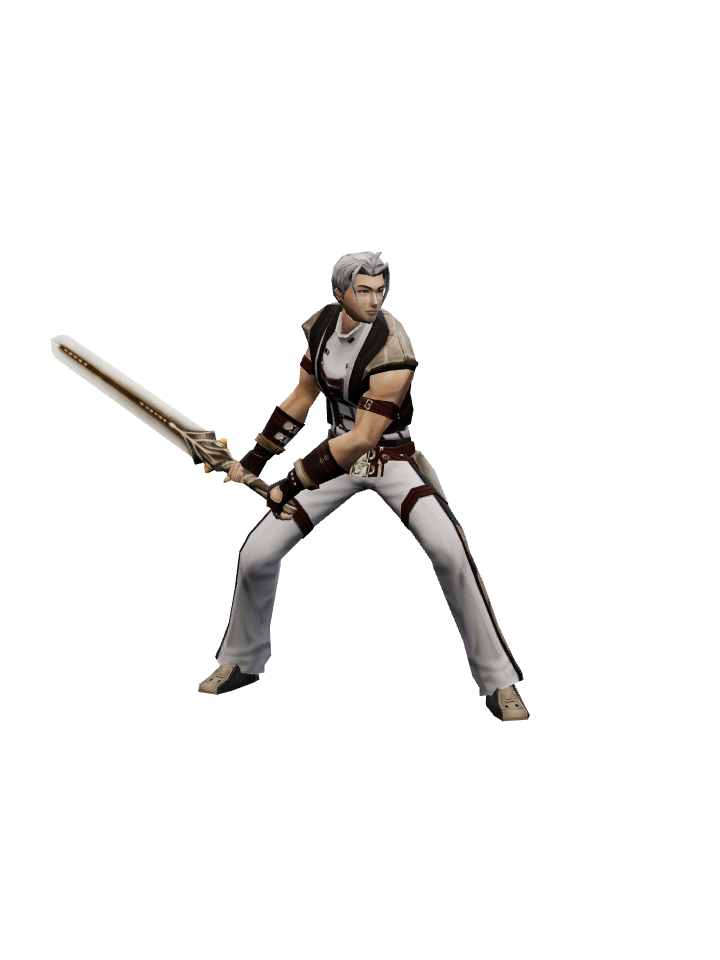
First-time logins no longer force an aggressive Low/Battery Saver profile. Screen rendering dynamically scales to your device native resolution with 60 FPS capability, restoring vibrant lighting, crisp character textures, and fluid spell animations.
One-Touch Class Selection & Virtual Keyboard Input
Swapping between male/female models and previewing school uniforms in Character Creation now responds to a single instant tap without double-tap confirmation latency. Tapping the name field immediately summons the OS native keyboard with responsive screen-fit boundaries.
Combat & skills
2 changes
Brawler & Swordsman
Rising Dragon Rampage & Combo Strikes
Fixed an orientation calculation bug in 128 directional skills where projectile particles and charging animations faced 180° away from targeted monsters. Attack meshes, impact arcs, and player facing now lock forward directly onto the target vector.
All Classes
Mounted Combat & Auto-Dismount Guard
In alignment with the classic PC client contract, attacking or casting skills while mounted is safely gated. Pressing any attack button now triggers an instant, fluid dismount transition directly into the queued combat ability.
Items & companions
3 changes
Pet Autonomous Loot Recovery Loop
Completely overhauled companion pathing and pickup engine. Pets no longer stall or become unresponsive during rapid multiple item drops or temporary network ping spikes, ensuring zero missed loot during heavy grinding.
Smart Auto-Potions & Isolated Swipe Boundaries
Mana (MP) potions automatically assign to companion quickslot slots upon login. Enlarged touch isolation deadzones between potion quickslots and skill actions to eliminate accidental potion consumption during heated battles.
Real-Time Costume & Fashion Equipping
Equipping school uniforms, fashion sets, and weapon skins now updates the 3D character mesh immediately in real-time, eliminating the need to teleport or relog to refresh your appearance.
Interface & controls
2 changes
Compact Sprint Button Footprint
Reduced the sprint button diameter and removed the solid background backing. This expands thumb clearance for primary combat action buttons while keeping sprint toggling effortless during travel.
Adaptive Mini-Map Display on Compact Screens
On compact mobile phone displays, the top-right mini-map automatically collapses into a subtle compass radar. This frees up over 20% of your right-hand screen view to track incoming monsters, boss attacks, and rival players.